 Kleki Blog
Warp Transform Released
generalToday I released the new warp transform feature. You find it by going into the select tool, then switch to "transform", and then enable "warp". You will see a warp grid overlaying your selected area. As you drag, your drawing will get smoothly deformed.
This is a powerful tool for adjusting your sketches, or for doing fun experiments and achieving interesting effects.
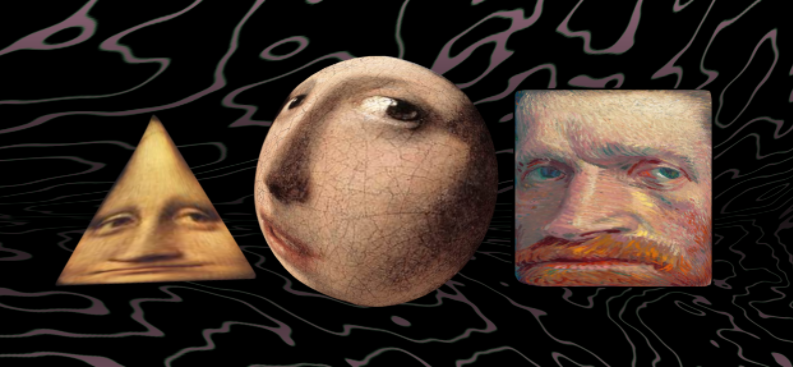
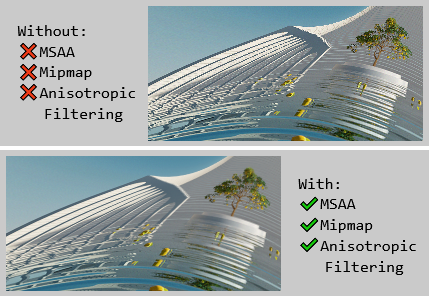
Because I implemented this new feature with WebGL2 under the hood I was able to achieve high image quality. Through the use of MSAA (multisample anti-aliasing), mipmapping, and anisotropic filtering the warped image always looks detailed without jarring pixelation.
If you are into software development you can read the code for rendering the deformed mesh: GpuCompositeCanvas
I hope you find it useful and enjoyable. More to come!
Donate to support Kleki's development!
-bitbof
- Next: Migration to bunny.net
- Previous: Warp Transform (work in progress)