 Kleki Blog
Recent Improvements: Flip View, Mobile UI, Help Page
generalSince the clipping mask release I've been shipping a bunch of smaller updates to Kleki. Here's a quick look at each of them.
Flip View #
You can now flip the view horizontally. Press M, or click "Flip View" in the hand tool tab. This is useful for checking if your drawing is slanted or has other mistakes. Unlike Edit > Flip this is instant and doesn't create an undo step.
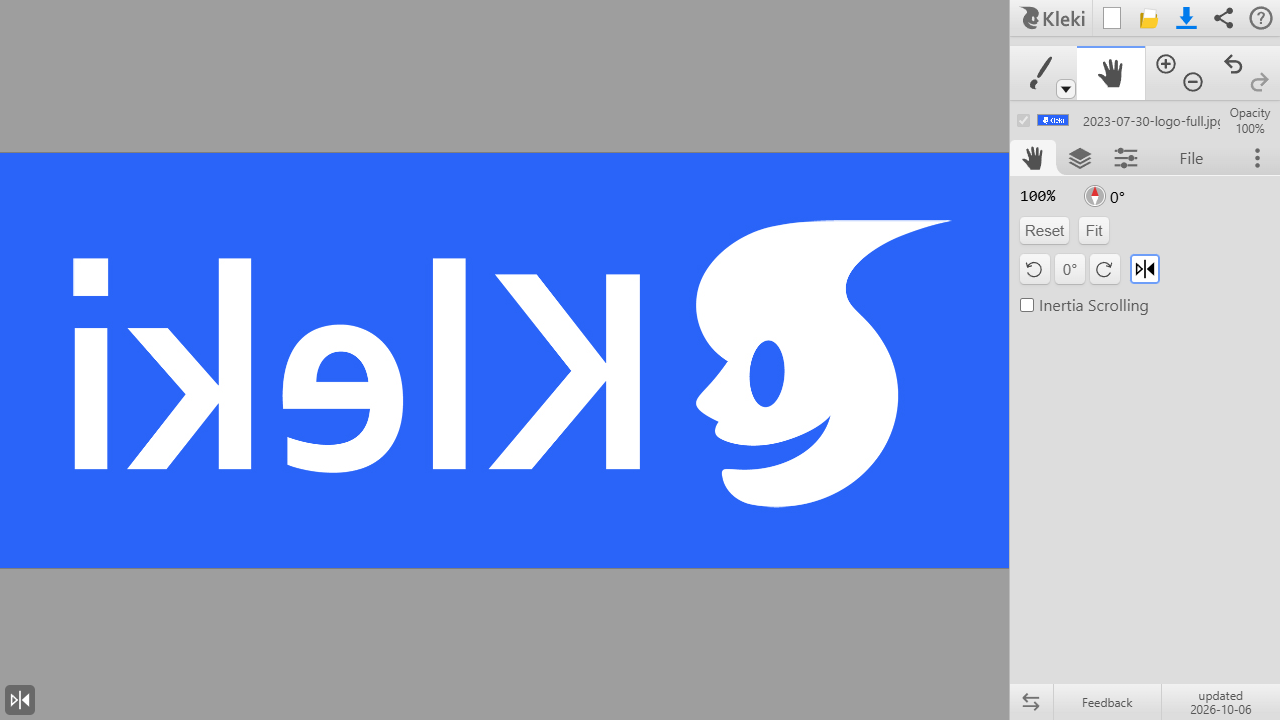
While flipped, a small icon in the bottom left corner reminds you, and when you click it the view is back to normal. The select tool also has such an indicator.
Improved Mobile UI #
I made more tools and features directly accessible from the mobile view when you have the big tool panel hidden:
- Undo & redo (tapping with two and three fingers still works too!)
- A tool button to pick any brush or tool
- A button to swap between brush and eraser
- Brush size and opacity sliders
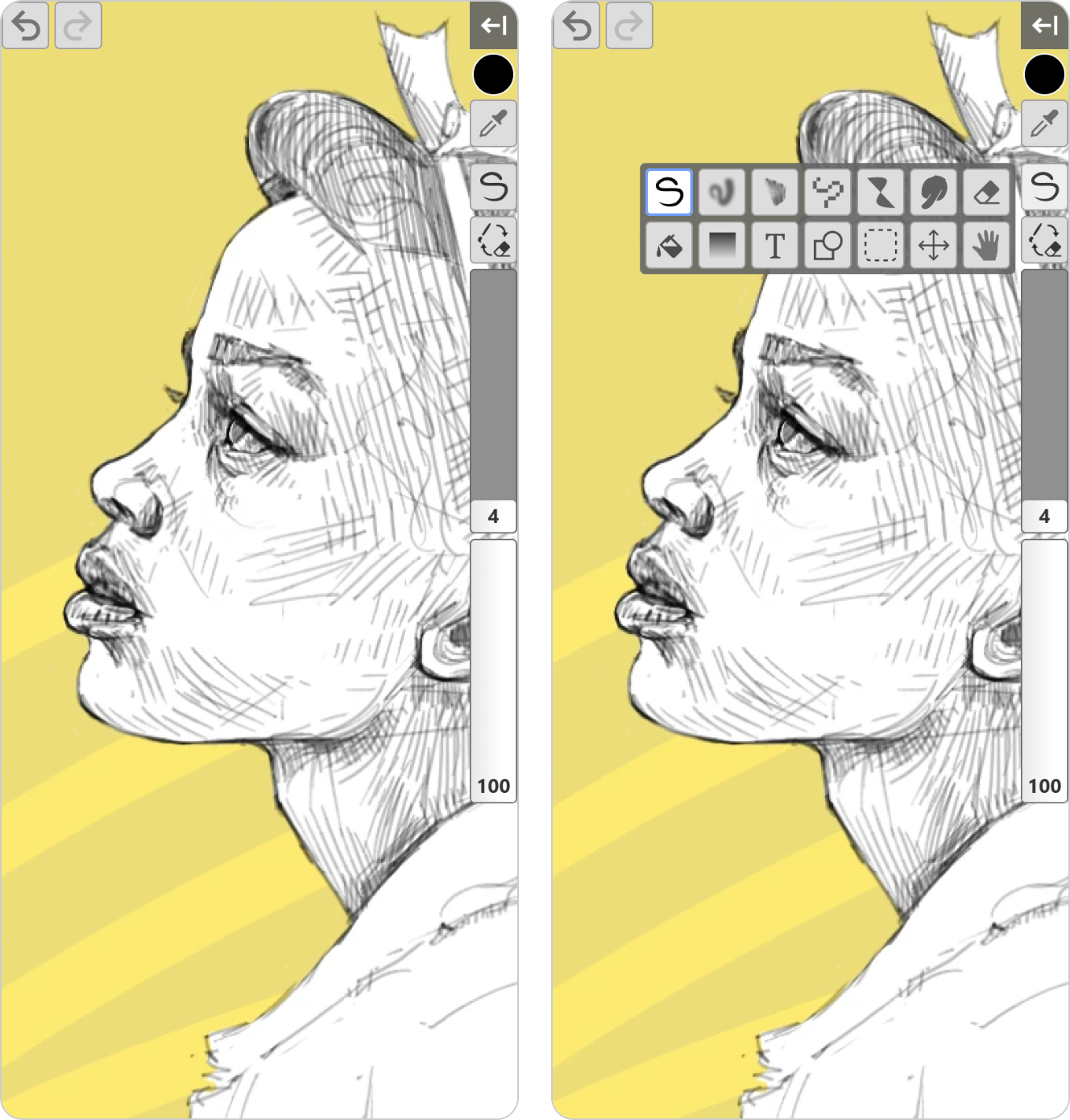
This makes it more practical to draw on a phone without constantly opening and closing the panel.
New Help Page #
Previously, Kleki's help was a single article that didn't really explain much. I made a new dedicated help page: help.kleki.com. It should really cover everything now. It's searchable and is available in many languages.
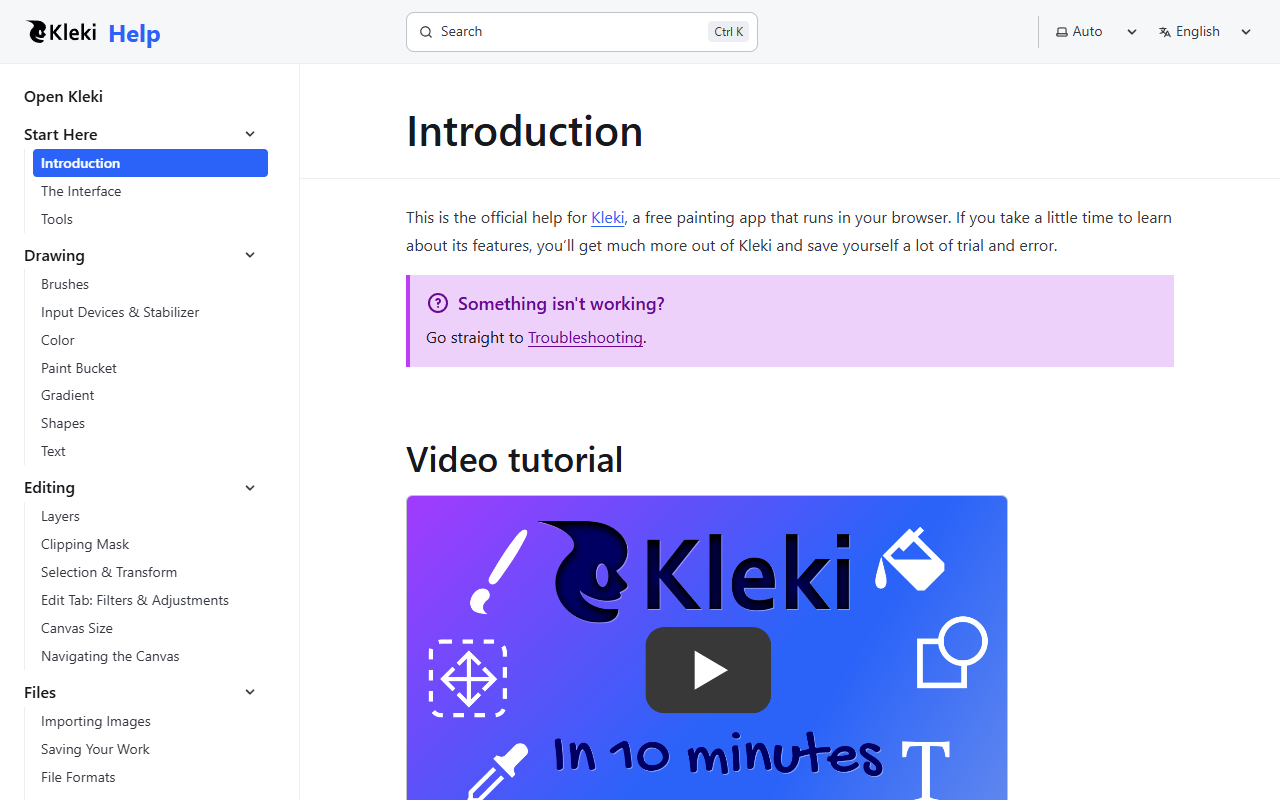
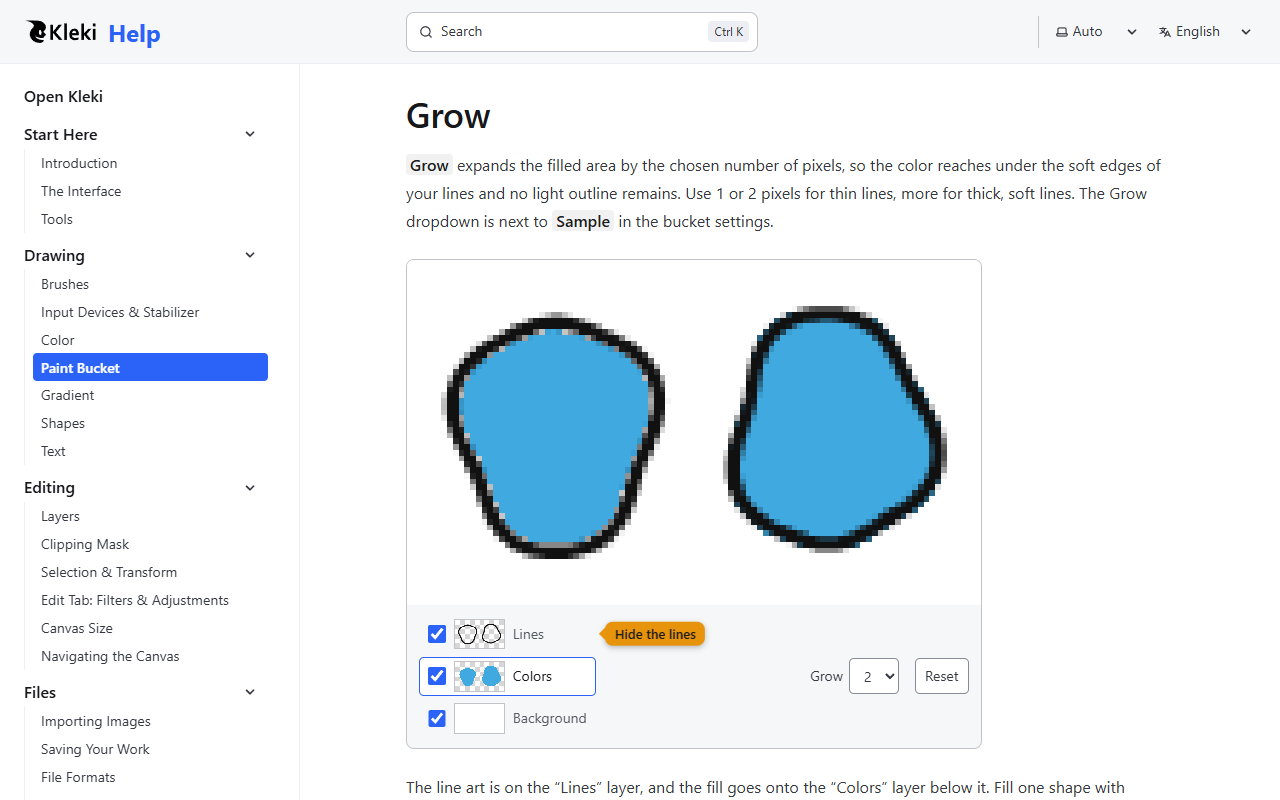
Especially useful should be the interactive widgets that teach you how the paint bucket works. Check it out if the paint bucket still eludes you!
Bigger changes are coming soon. 🤞
-bitbof
- Previous: Moving Away from Donations